
One brief.Every client's deck.
Write the brief once. Scholes researches, plans and builds an editable AI presentation in each client's Brand Kit.
 Nexora
 Ventora
 Altura
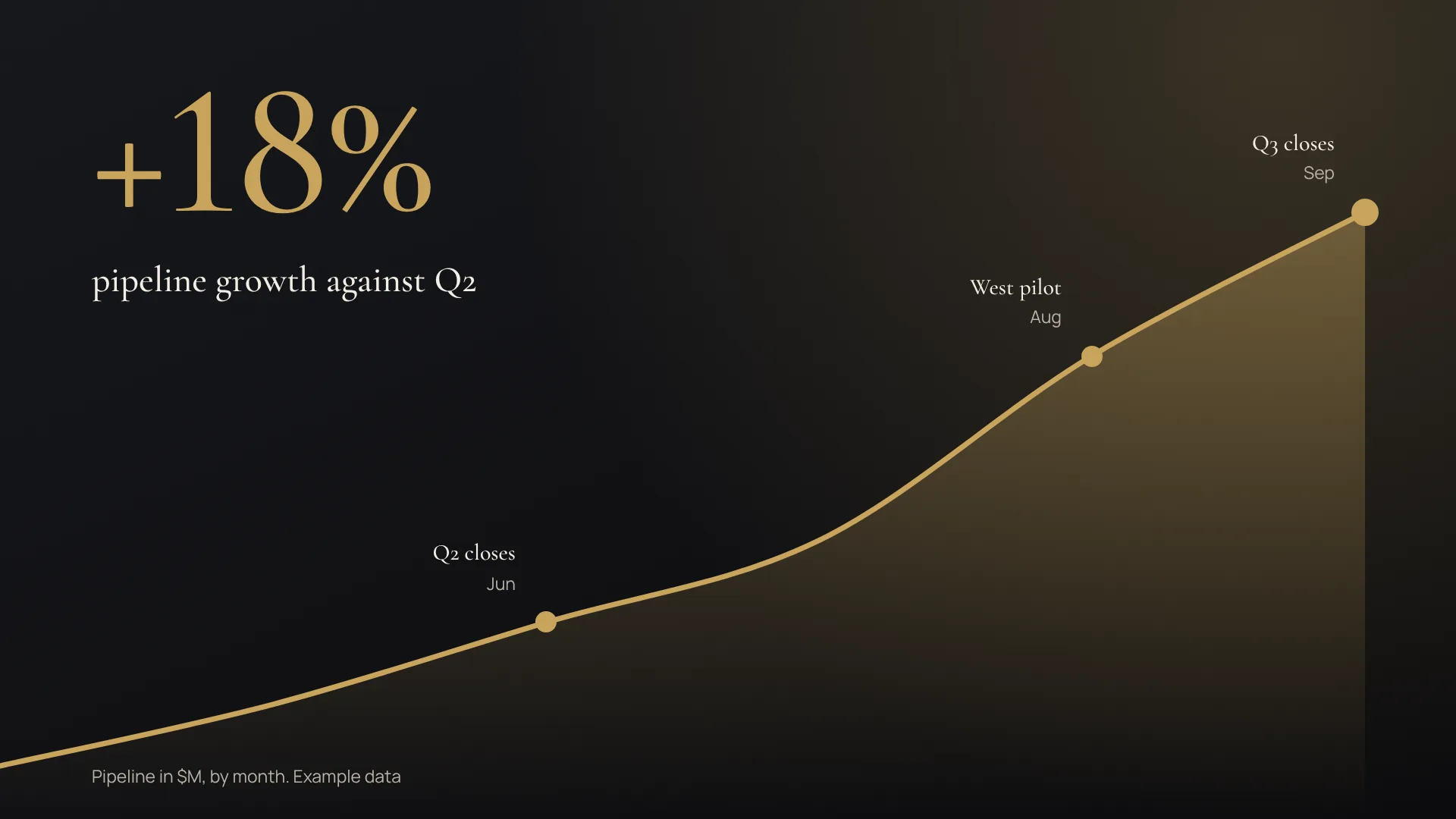
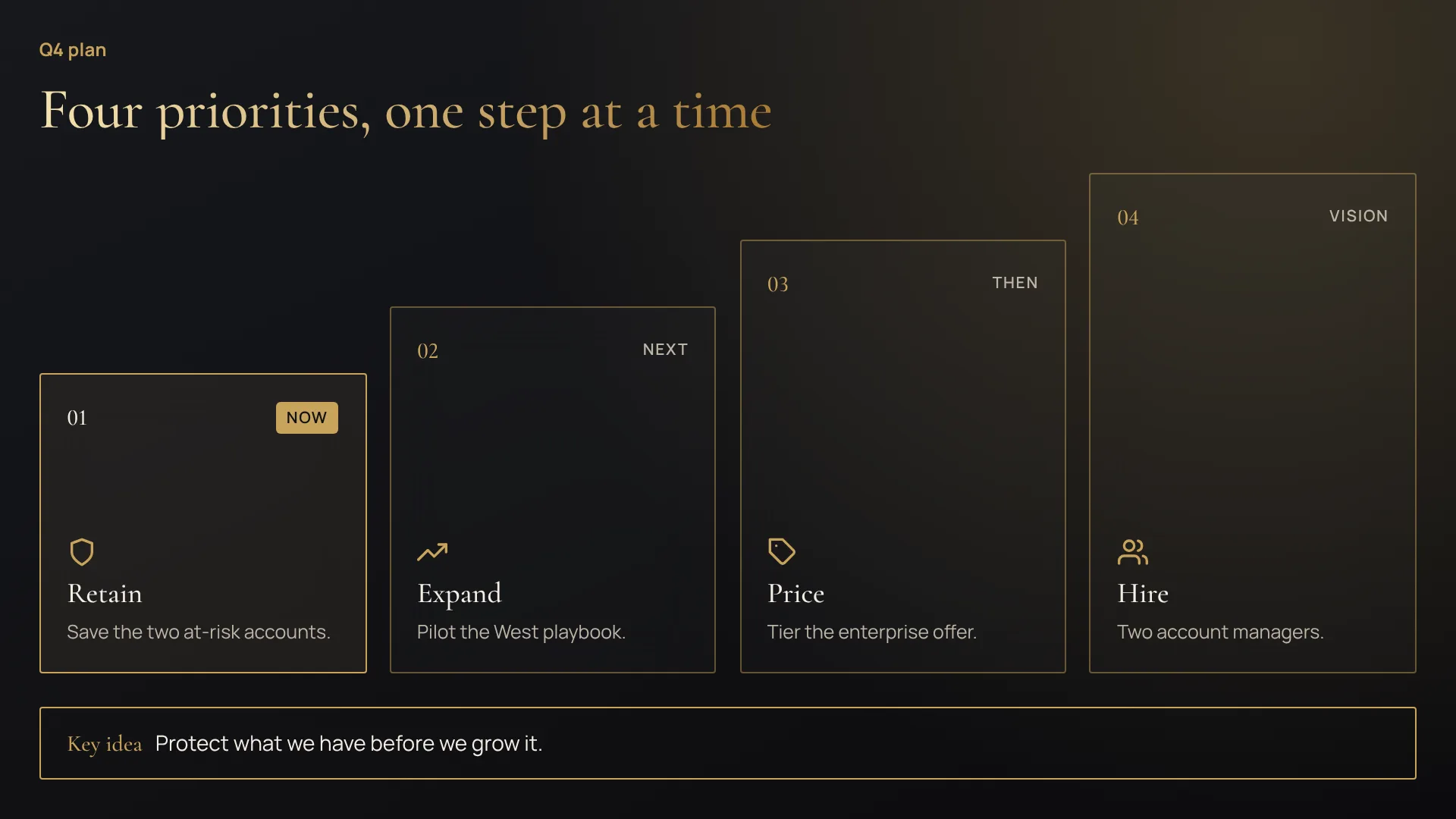
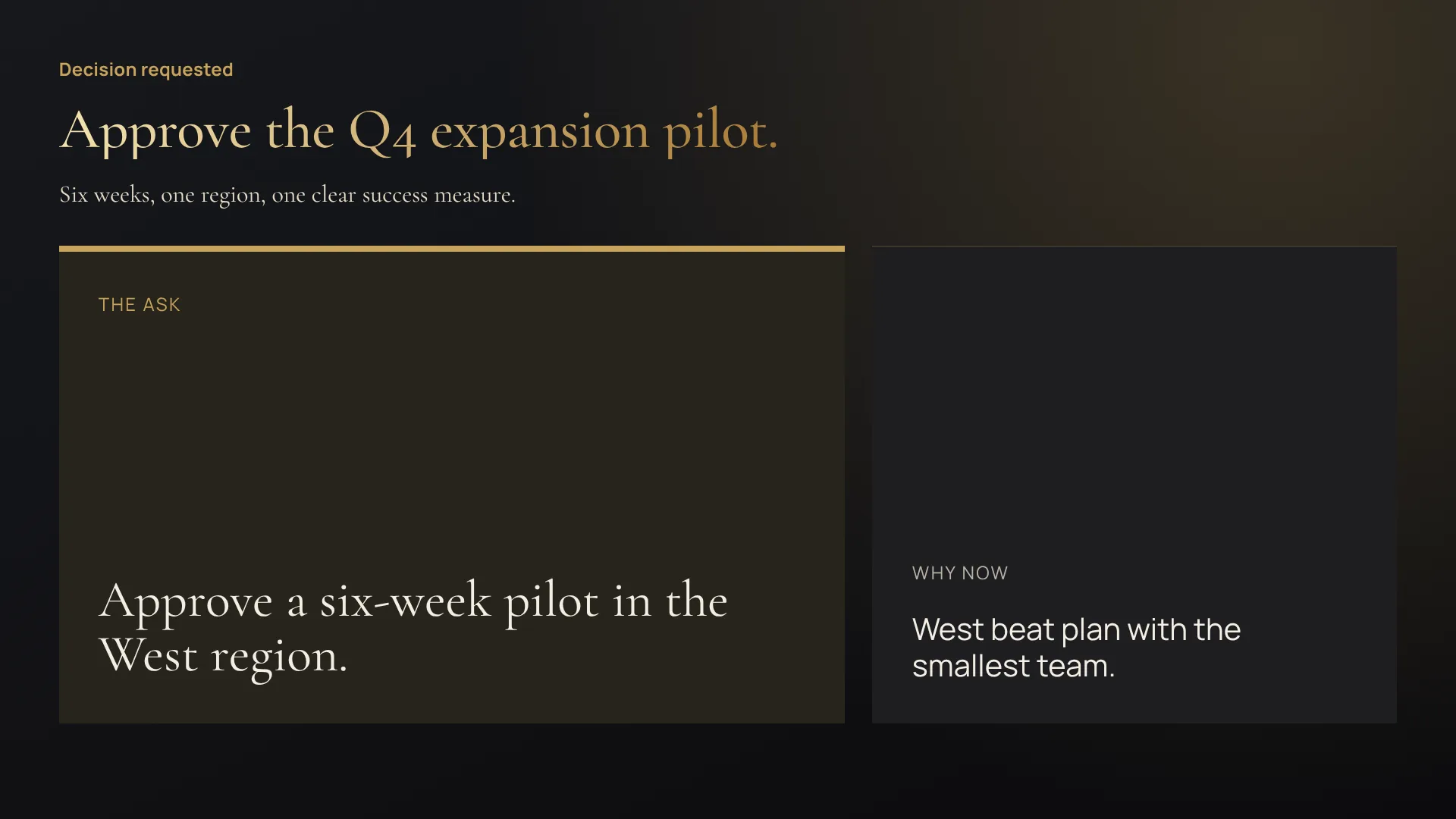
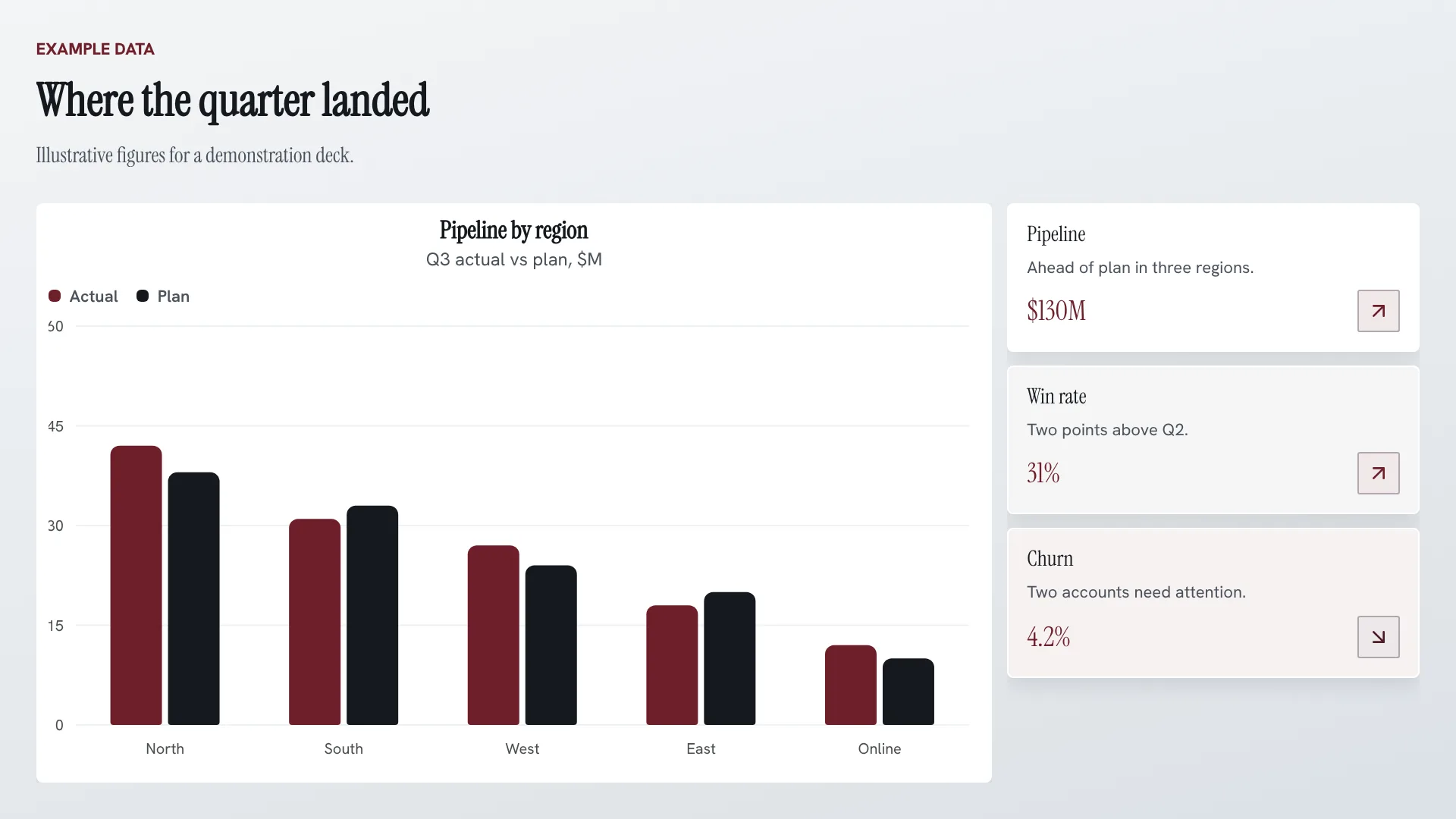
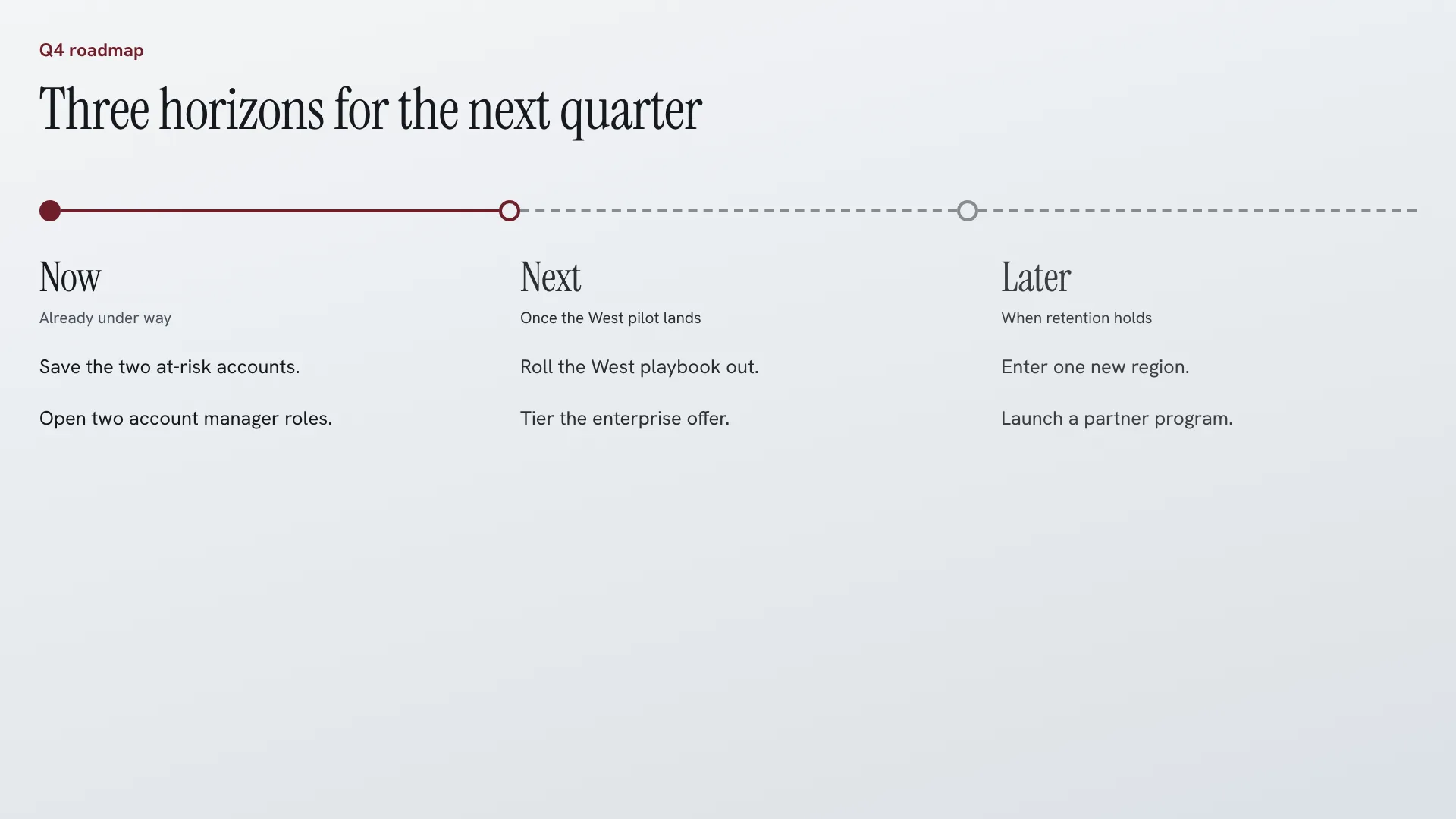
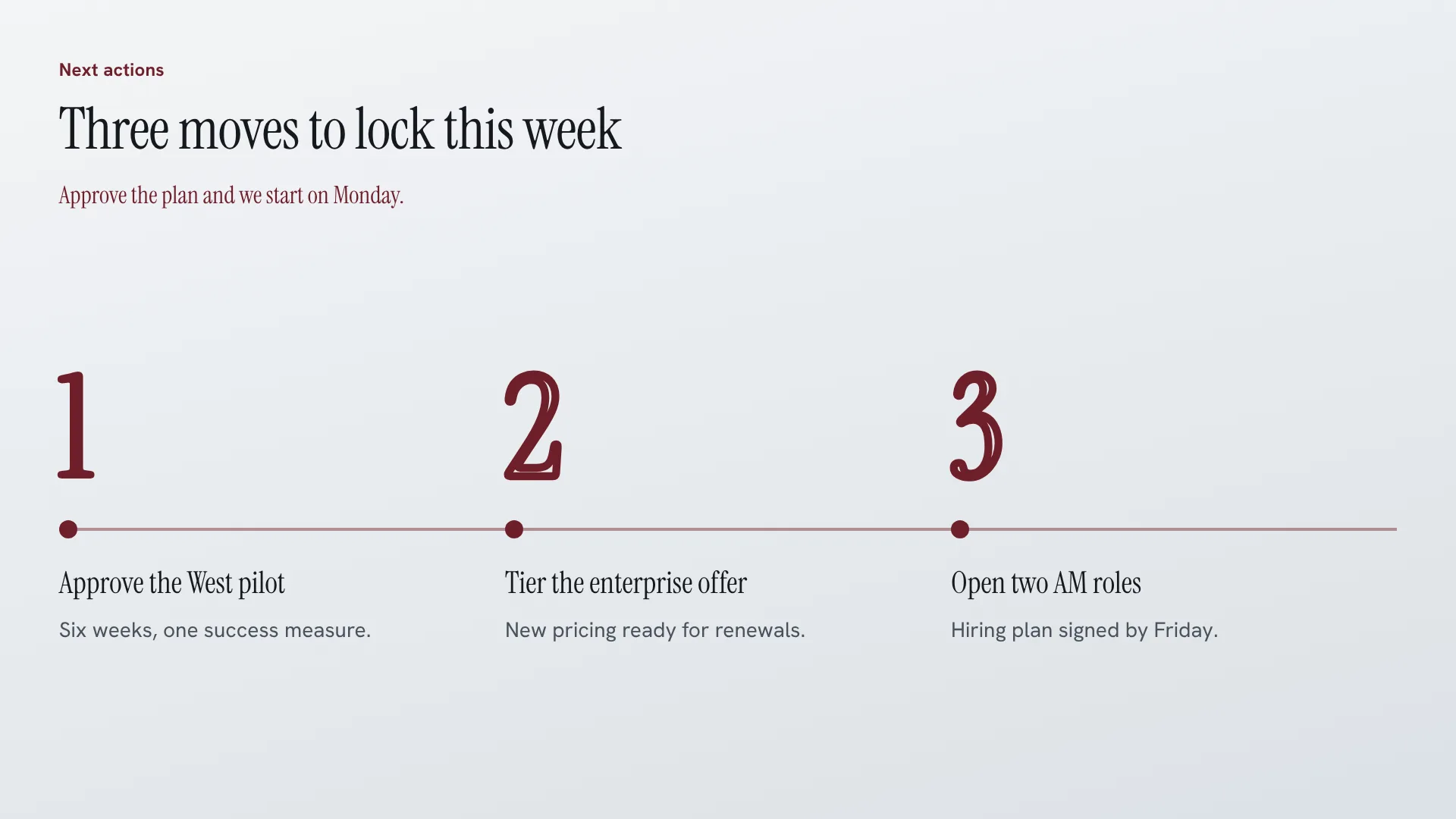
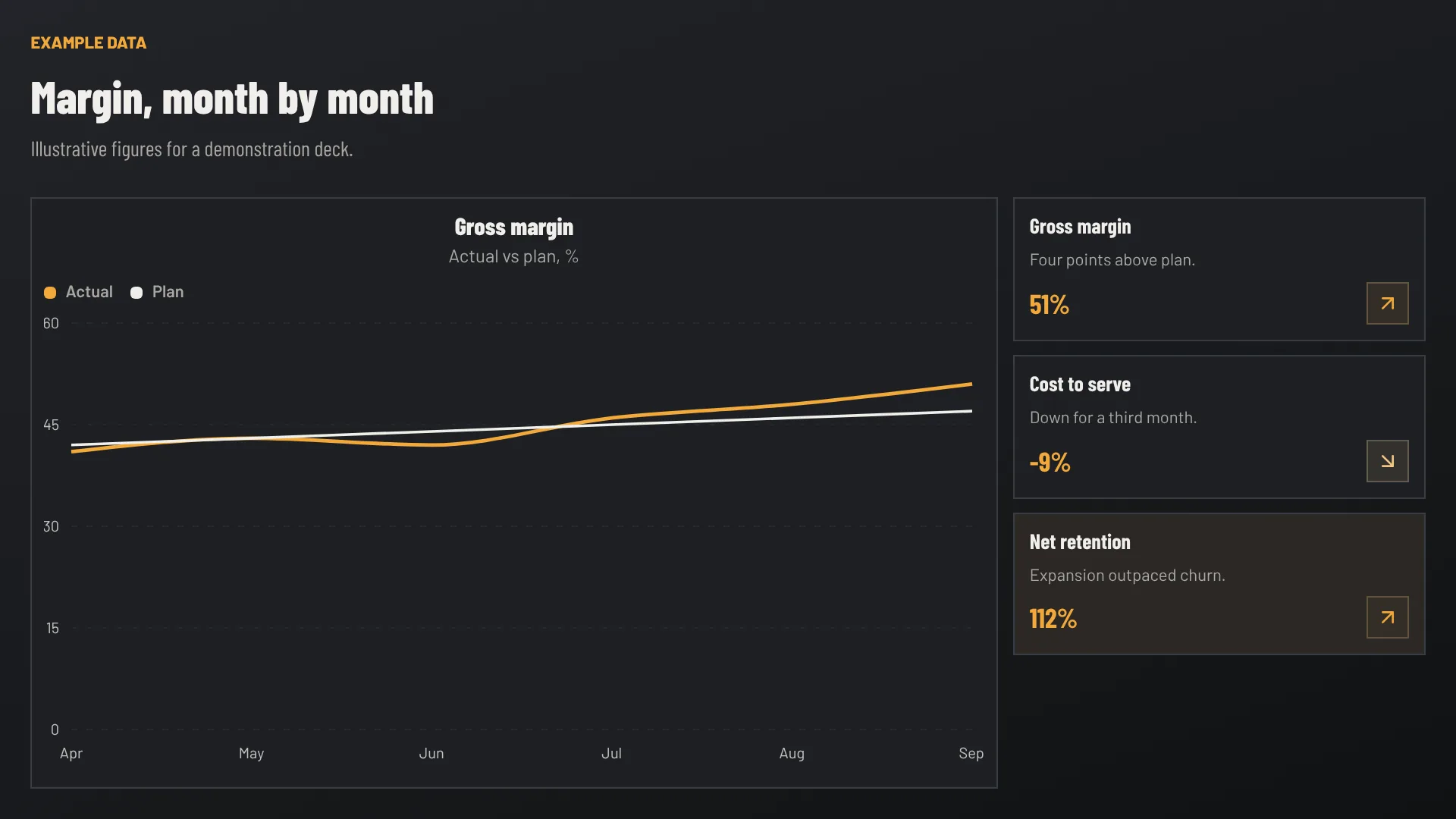
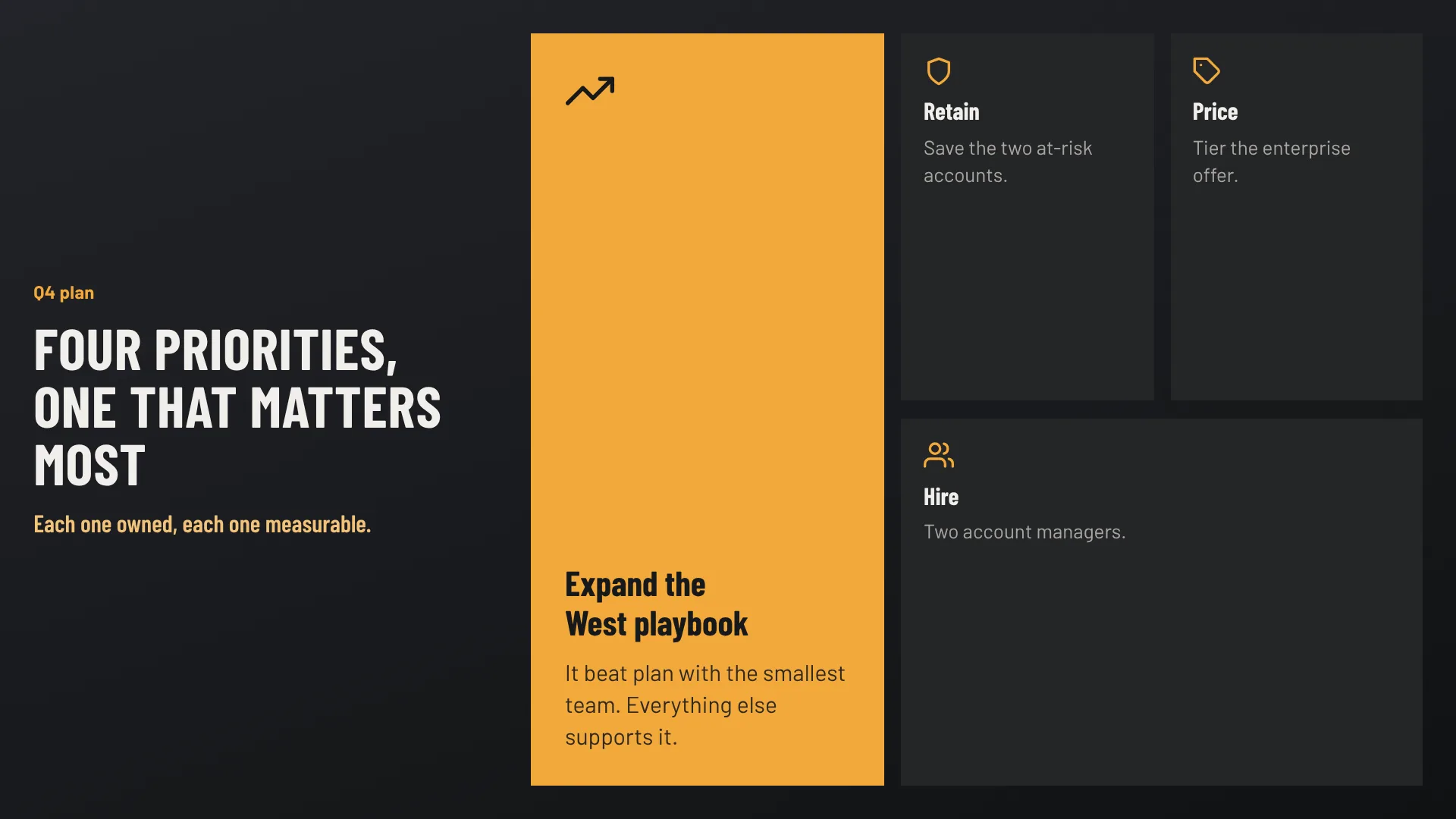
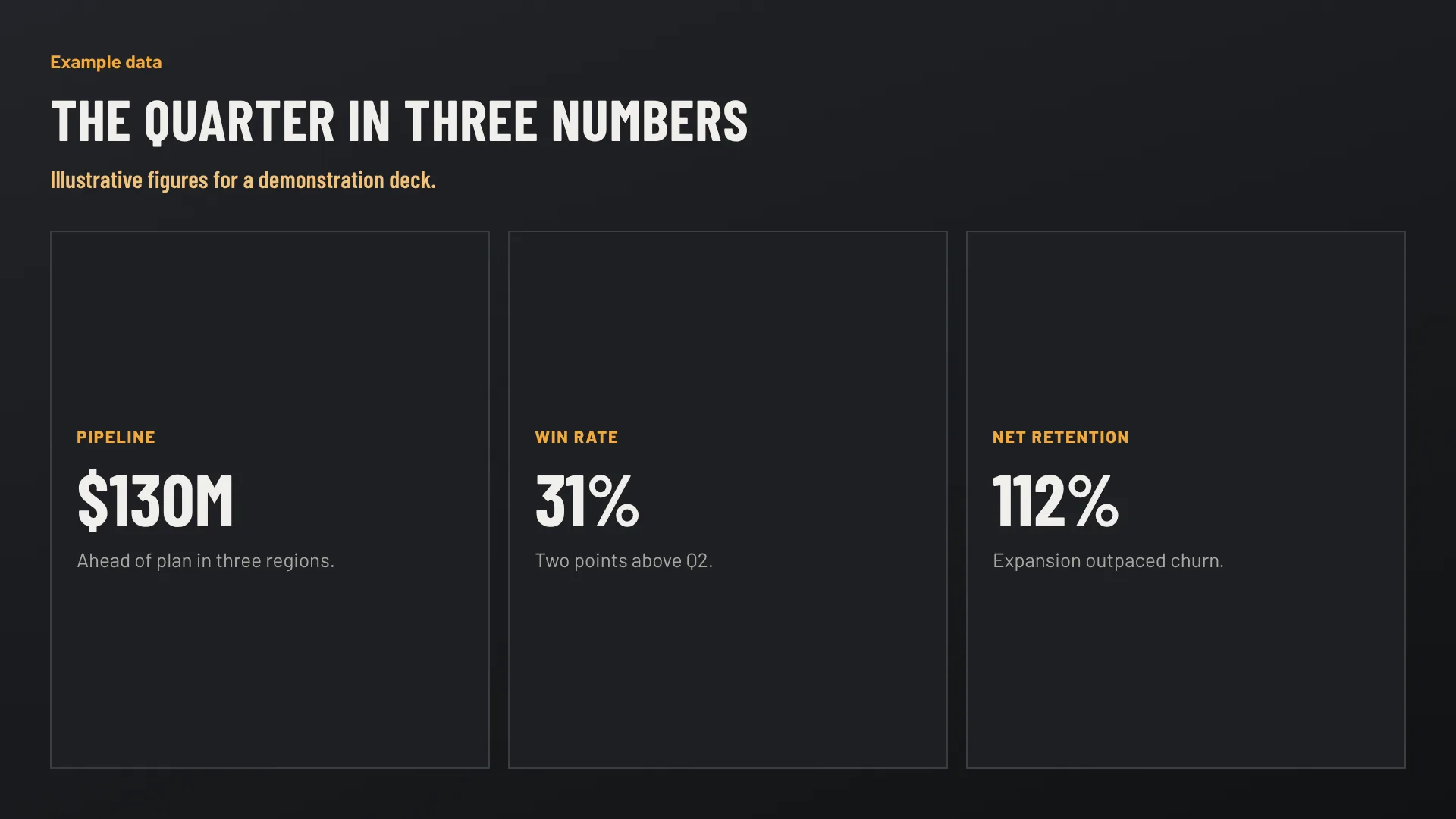
Example decks rendered by Scholes. Hive Mode is on paid plans.
Made with Scholes
Nine example decks from three briefs, each in its own Brand Kit. Every slide is a real Scholes render.
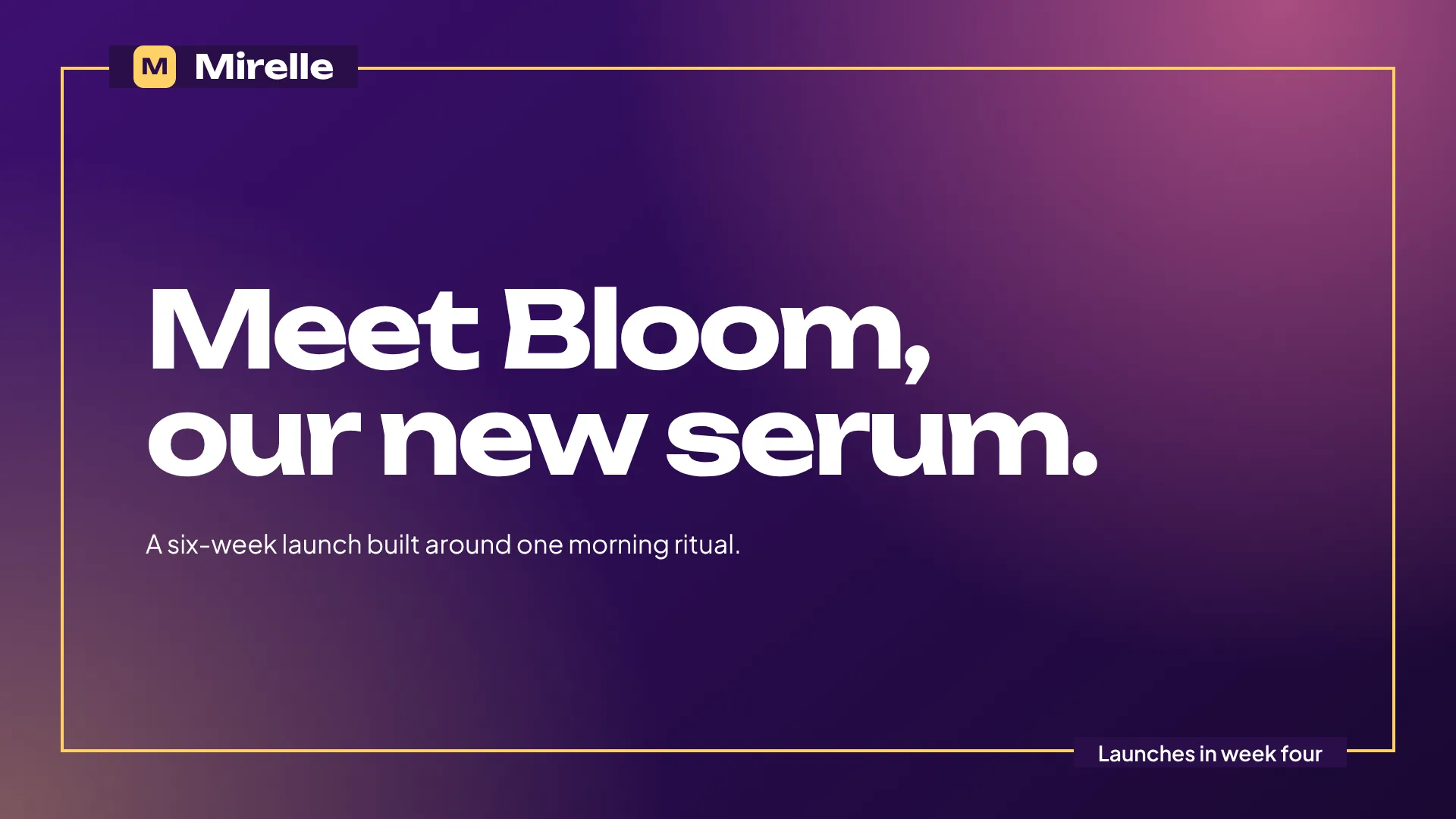
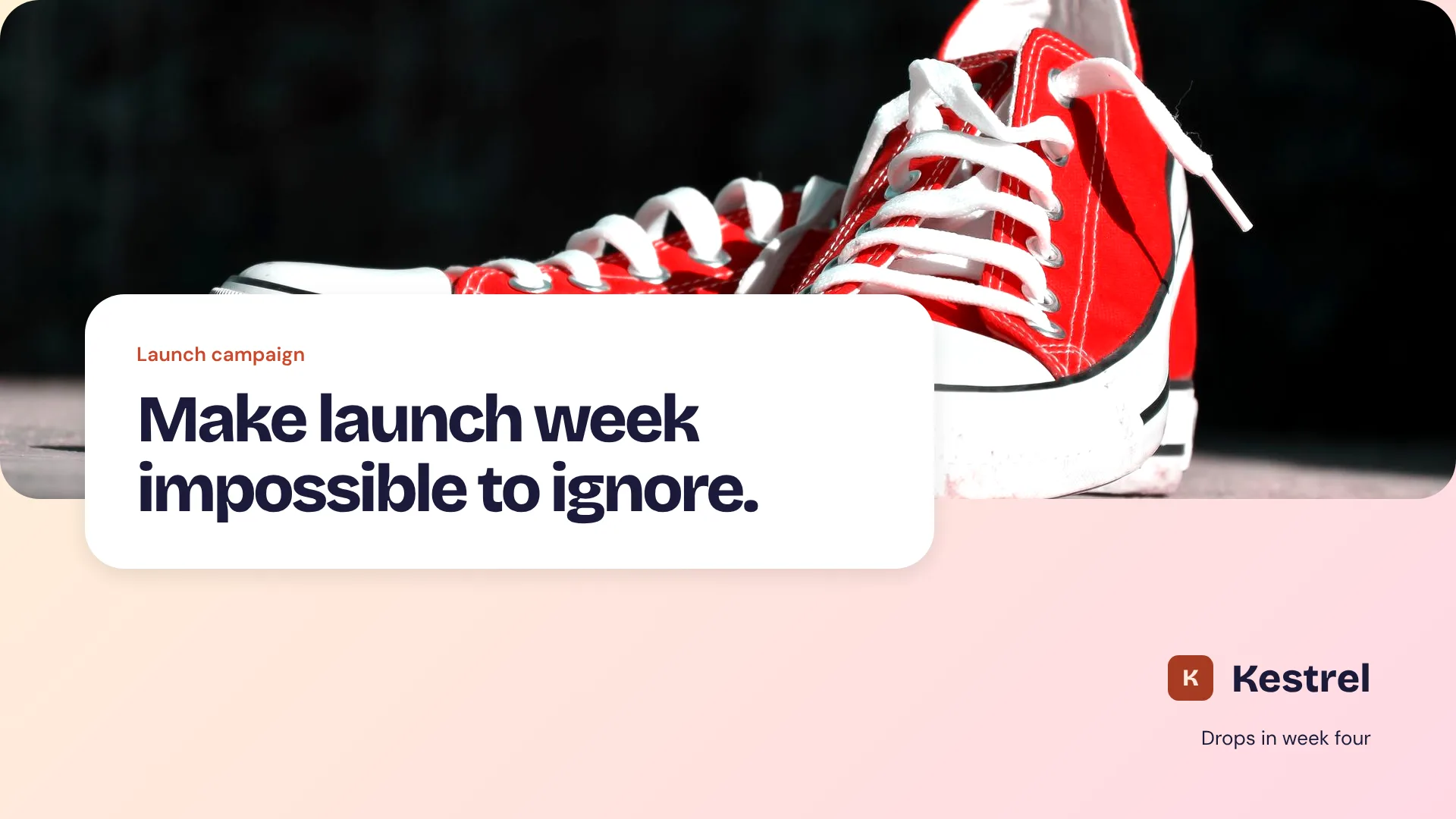
Mirelle Launch campaign, example deck in the Pulpa Estudio Brand Kit
From brief to editable deck
- 1BriefWrite what you need and @mention the client's Brand Kit.
- 2ResearchDeep Research finds and cites sources before anything is written.
- 3PlanReview the story first. Edit it, rewrite it or accept it.
- 4DeckGet the full deck in the editor, ready to change slide by slide.
Same slide. Any brand.
Pick a Brand Kit and the same slide takes on its colors, type and components. Each version is a real Scholes render.
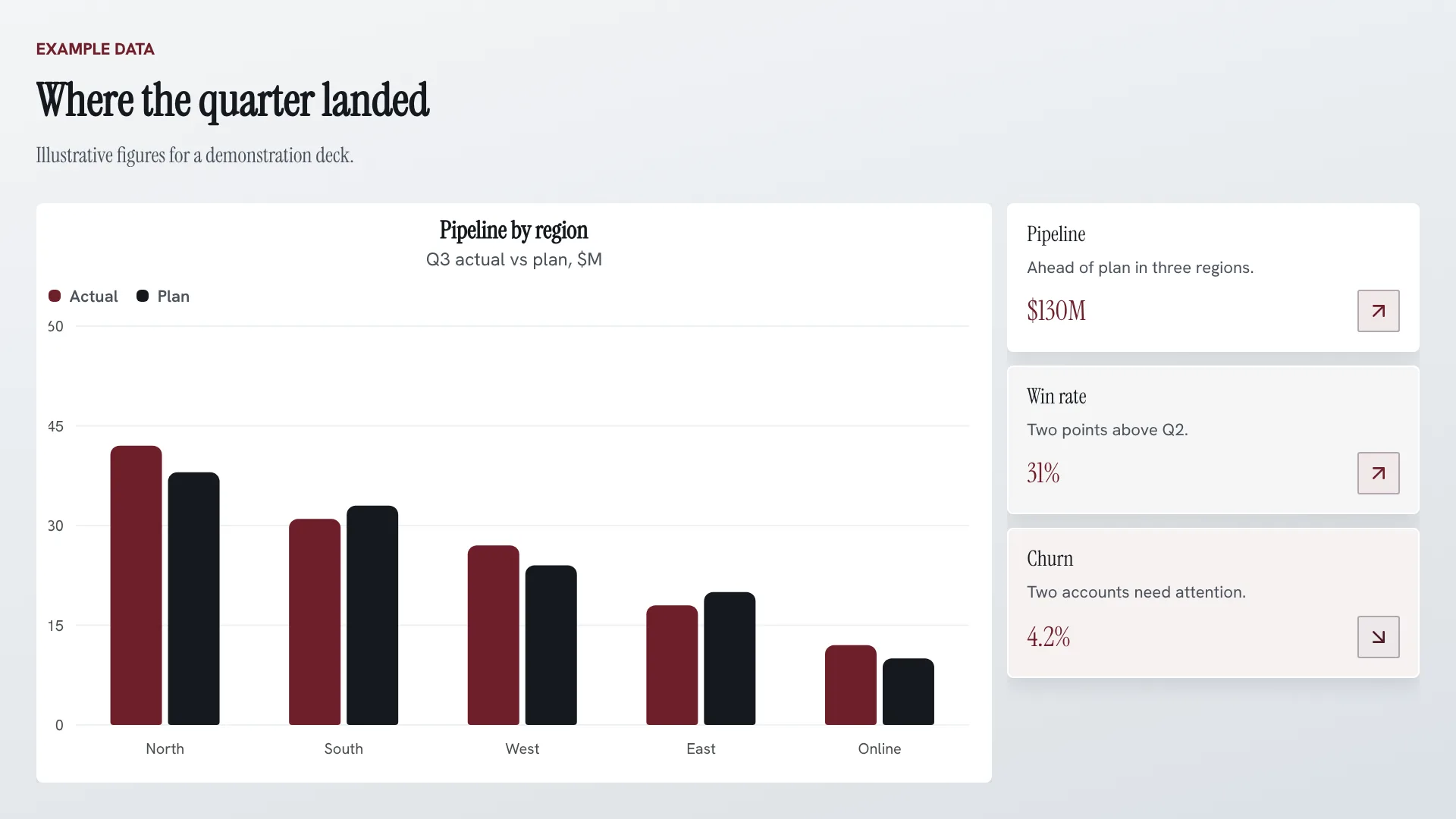
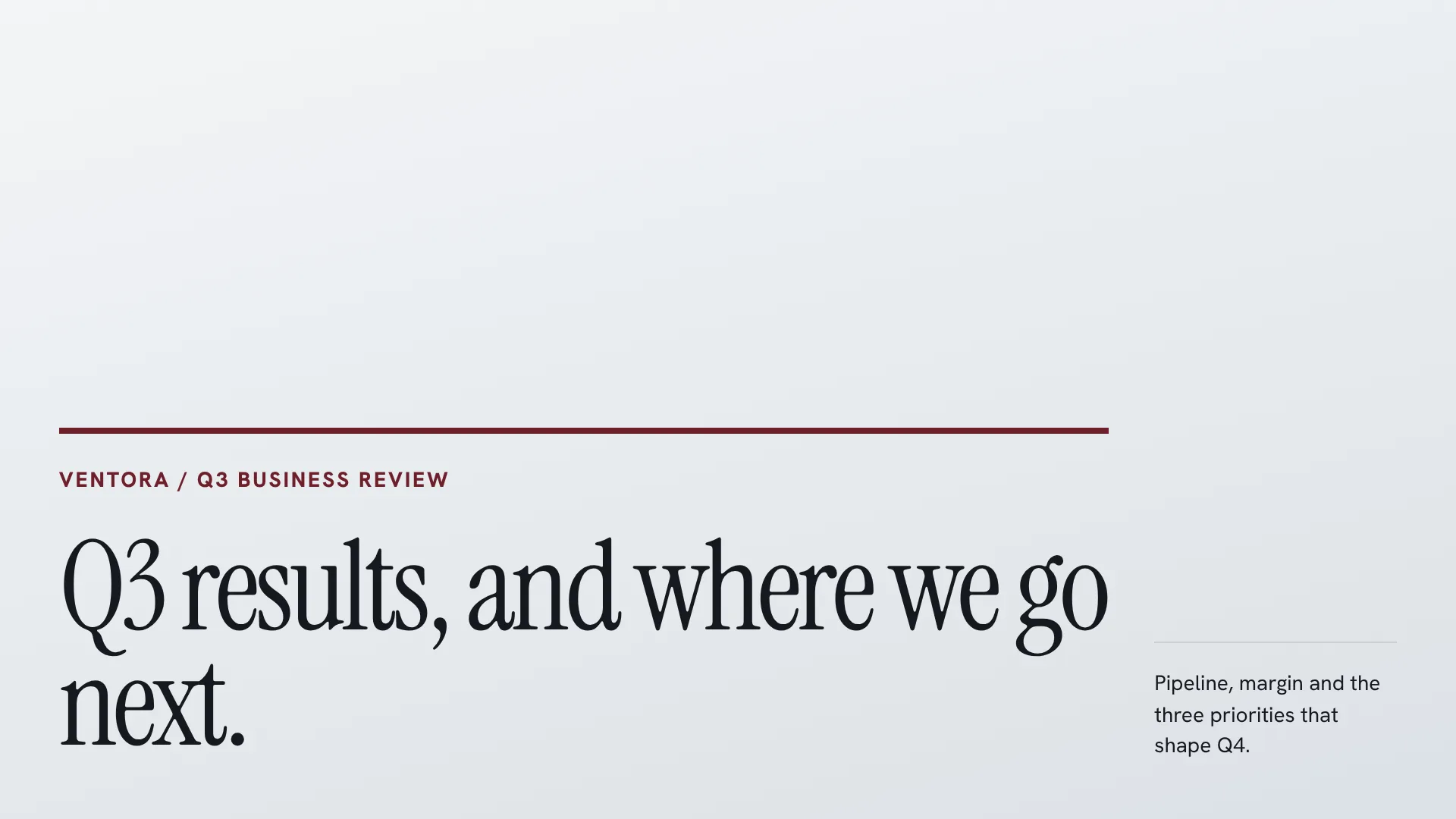
Save your own Brand Kits on paid plans: up to 3 on Plus, 10 on Pro and unlimited on Superior.
Hive Mode
One brief, a deck for every client, built in parallel.
Hive Mode is on paid plans: up to 5 decks per request on Plus, 10 on Pro and 25 on Superior.
- 1One brief. Write it once and switch Hive Mode on.
- 2Every client. @mention a Brand Kit for each client who needs a deck.
- 3Parallel work. Each Brand Kit becomes its own job, running at the same time.
- 4Decks land. Every deck arrives in its own brand, ready to review.
- 5Keep editing. Open any deck and change it in the full editor.
- Nexora
- Ventora
- Altura
 Lantern
 Mirelle
Every element stays editable
A generated deck is a starting point. Keep refining it in the Scholes editor, slide by slide.
Built for client work
Pitch one campaign to every client from a single brief, each in their own Brand Kit.
Turn research into a cited, board-ready story that stays editable.
Investor updates and pitch decks that stay on brand.
A tailored proposal for every account, without starting from zero.
Lessons and onboarding decks you can adapt for every group.
Plans that grow with your client list
Every plan makes editable decks. Paid plans add your own Brand Kits, Hive Mode and export.
Free
$0to start
150 credits to start, about 3 decks of 10 slides
A Scholes Brand Kit. Export on paid plans.
Plus
$20a month
4,000 credits a month, about 80 decks of 10 slides
3 Brand Kits. Hive Mode up to 5 decks per request.
Pro
$60a month
12,000 credits a month, about 240 decks of 10 slides
10 Brand Kits. Hive Mode up to 10 decks per request.
Superior
$100a month
25,000 credits a month, about 500 decks of 10 slides
Unlimited Brand Kits. Hive Mode up to 25 decks per request.
Questions
Something else? Write to support@scholes.ai
How do credits work?
Each final slide costs 5 credits, so a 10-slide presentation costs 50. The Free plan includes 150 starter credits and paid plans add credits every month. Images and Deep Research do not cost extra credits.
What is Hive Mode?
Hive Mode turns one brief into several presentations at once. Switch it on, @mention a saved Brand Kit for each client, and Scholes builds a separate deck in each kit. It is available on paid plans: up to 5 presentations per request on Plus, 10 on Pro and 25 on Superior.
What is in a Brand Kit?
Colors, typography, logos and visual rules. Type @ in the prompt to apply one. Saving your own Brand Kits starts on Plus (up to 3); the Free plan uses a Scholes Brand Kit.
Can I edit every slide?
Yes. Every presentation stays editable after generation. Change the copy, layout, charts, images and structure in the Scholes editor.
Which export formats are available?
Paid plans export to PowerPoint, PDF and images. PowerPoint keeps supported text and simple shapes editable; complex visuals export as image layers.
Do I need a credit card to start?
No. Start on the Free plan with starter credits and upgrade when you need more.
Is my content private?
Yes. Presentations you create are private to your account. Contact support@scholes.ai for details about data handling and retention.
Your next client deckstarts with one brief.
150 starter credits. No card needed.